Easy Menu
Home
Settings
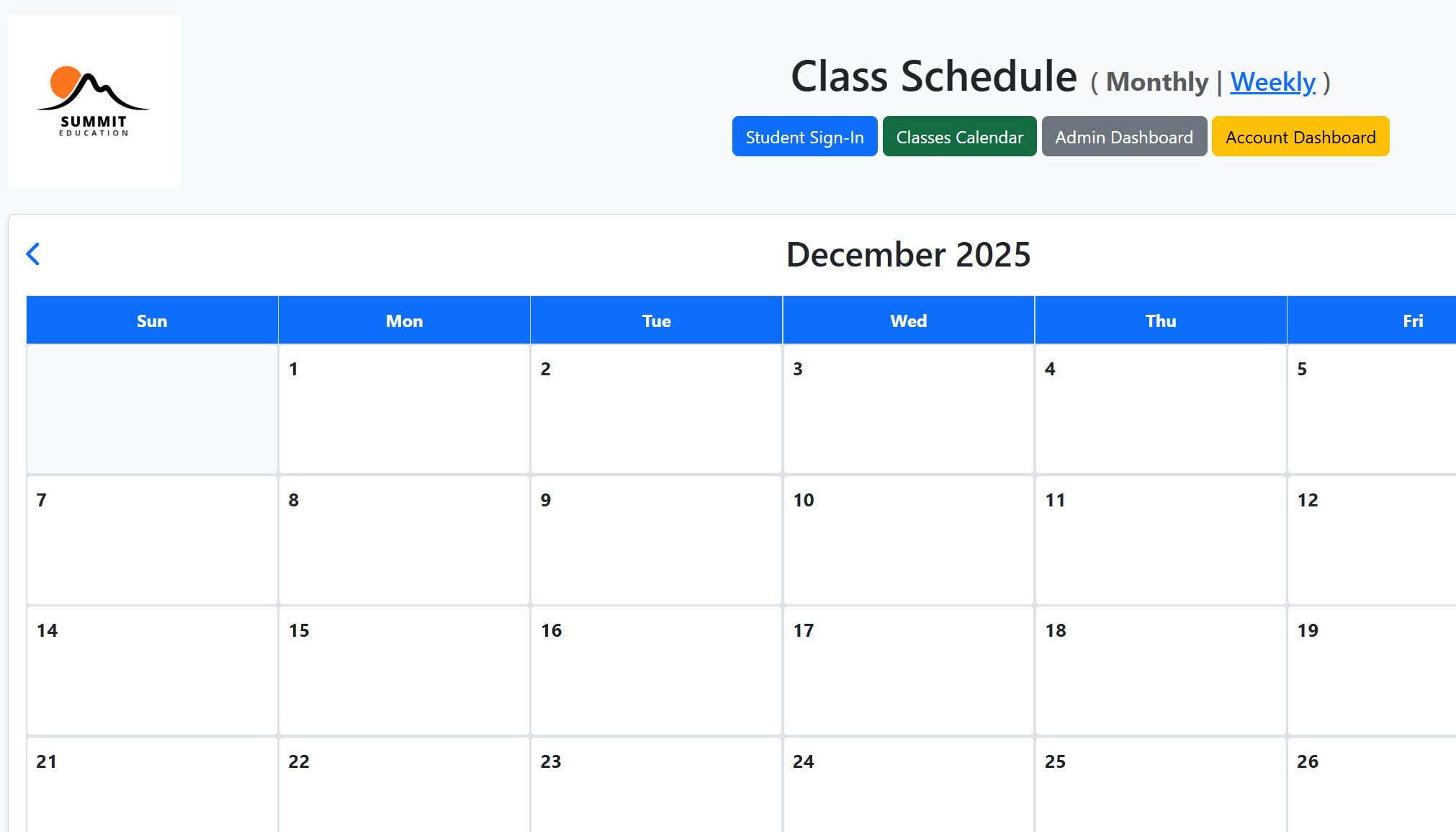
Class Schedular
GO
Configure System 1
System Information
System Name
System URL
Database Credentials
Database Host
Optional: Specify database host IP/hostname (leave empty to auto-detect from system URL)
Database Name
Enter the database name for this system (optional - only required if Show Portfolio is enabled)
Database Username
Optional - only required if Show Portfolio is enabled
Database Password
Optional - only required if Show Portfolio is enabled
Display Options
Show Portfolio
Check this to display portfolio statistics and database information. If unchecked, only basic system information will be shown without database access.
Website Thumbnail
Upload an image file (JPG, PNG, GIF, WebP) - recommended size: 300x200px
Current thumbnail:
Delete
Preview:
Upload Thumbnail
Require Password for Access
Check this to require password for viewing statistics and accessing the system. If unchecked, statistics will be shown without password.
Access Passwords
Multiple passwords separated by commas. Users can enter any of these passwords to access the system. Leave empty if no password protection is needed.
Note
Add a custom note that will be displayed on the system card
Security
System Code
Enter the system code to save changes
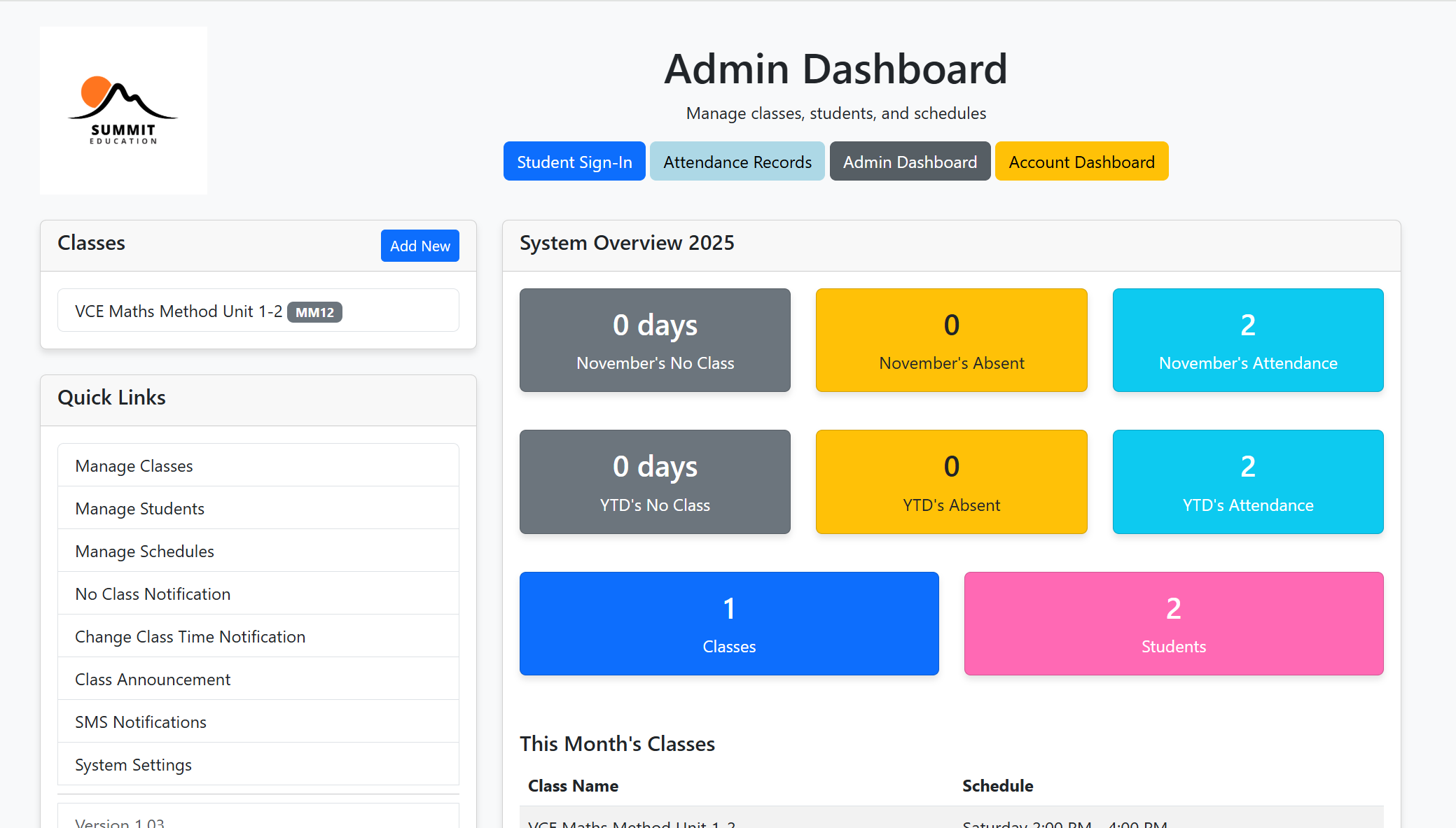
Admin Dashboard
Note:
Access Code = 706950
GO
Configure System 2
System Information
System Name
System URL
Database Credentials
Database Host
Optional: Specify database host IP/hostname (leave empty to auto-detect from system URL)
Database Name
Enter the database name for this system (optional - only required if Show Portfolio is enabled)
Database Username
Optional - only required if Show Portfolio is enabled
Database Password
Optional - only required if Show Portfolio is enabled
Display Options
Show Portfolio
Check this to display portfolio statistics and database information. If unchecked, only basic system information will be shown without database access.
Website Thumbnail
Upload an image file (JPG, PNG, GIF, WebP) - recommended size: 300x200px
Current thumbnail:
Delete
Preview:
Upload Thumbnail
Require Password for Access
Check this to require password for viewing statistics and accessing the system. If unchecked, statistics will be shown without password.
Access Passwords
Multiple passwords separated by commas. Users can enter any of these passwords to access the system. Leave empty if no password protection is needed.
Note
Access Code = 706950
Add a custom note that will be displayed on the system card
Security
System Code
Enter the system code to save changes
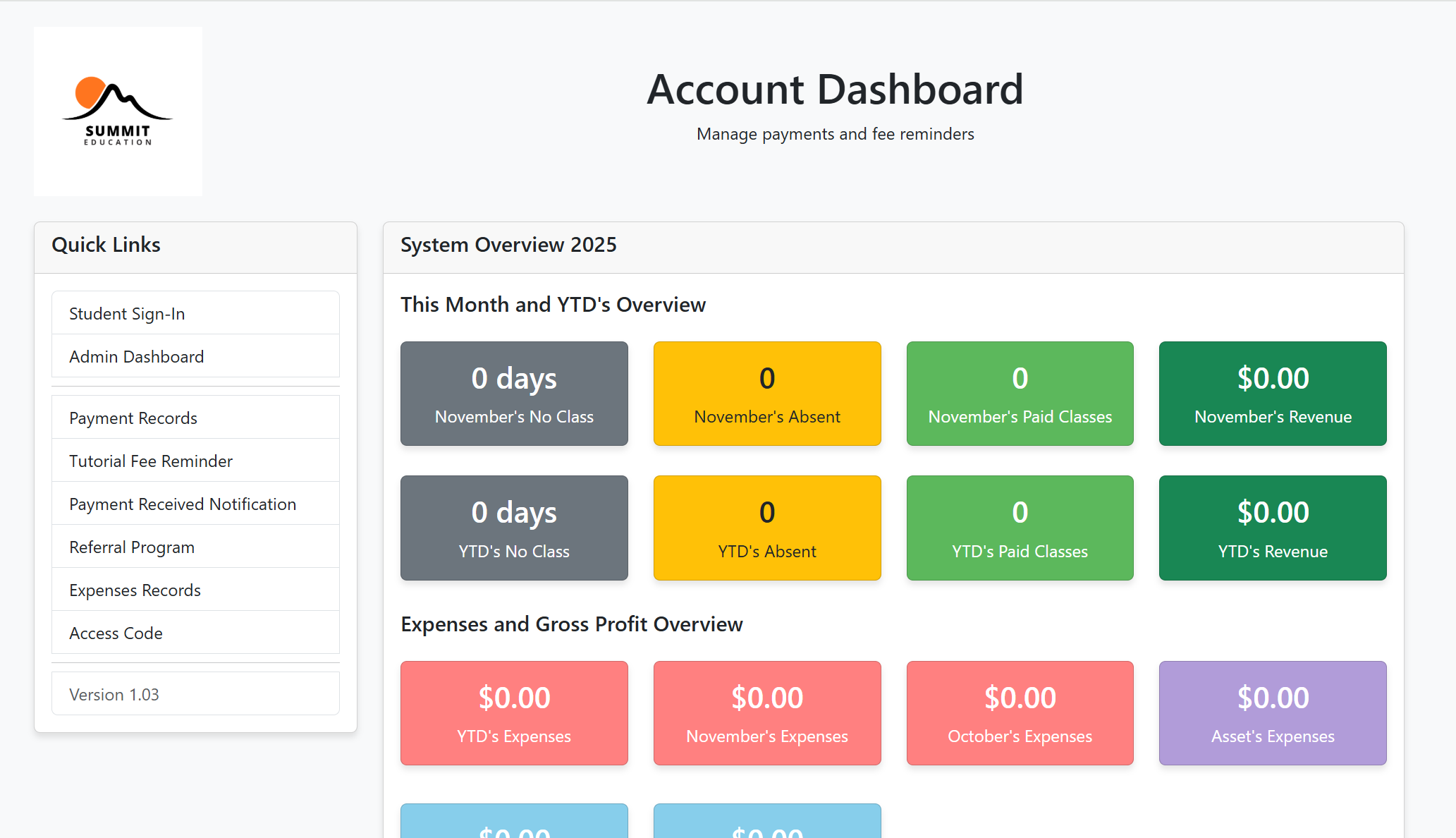
Account Dashboard
Note:
Access Code = 706950
GO
Configure System 3
System Information
System Name
System URL
Database Credentials
Database Host
Optional: Specify database host IP/hostname (leave empty to auto-detect from system URL)
Database Name
Enter the database name for this system (optional - only required if Show Portfolio is enabled)
Database Username
Optional - only required if Show Portfolio is enabled
Database Password
Optional - only required if Show Portfolio is enabled
Display Options
Show Portfolio
Check this to display portfolio statistics and database information. If unchecked, only basic system information will be shown without database access.
Website Thumbnail
Upload an image file (JPG, PNG, GIF, WebP) - recommended size: 300x200px
Current thumbnail:
Delete
Preview:
Upload Thumbnail
Require Password for Access
Check this to require password for viewing statistics and accessing the system. If unchecked, statistics will be shown without password.
Access Passwords
Multiple passwords separated by commas. Users can enter any of these passwords to access the system. Leave empty if no password protection is needed.
Note
Access Code = 706950
Add a custom note that will be displayed on the system card
Security
System Code
Enter the system code to save changes
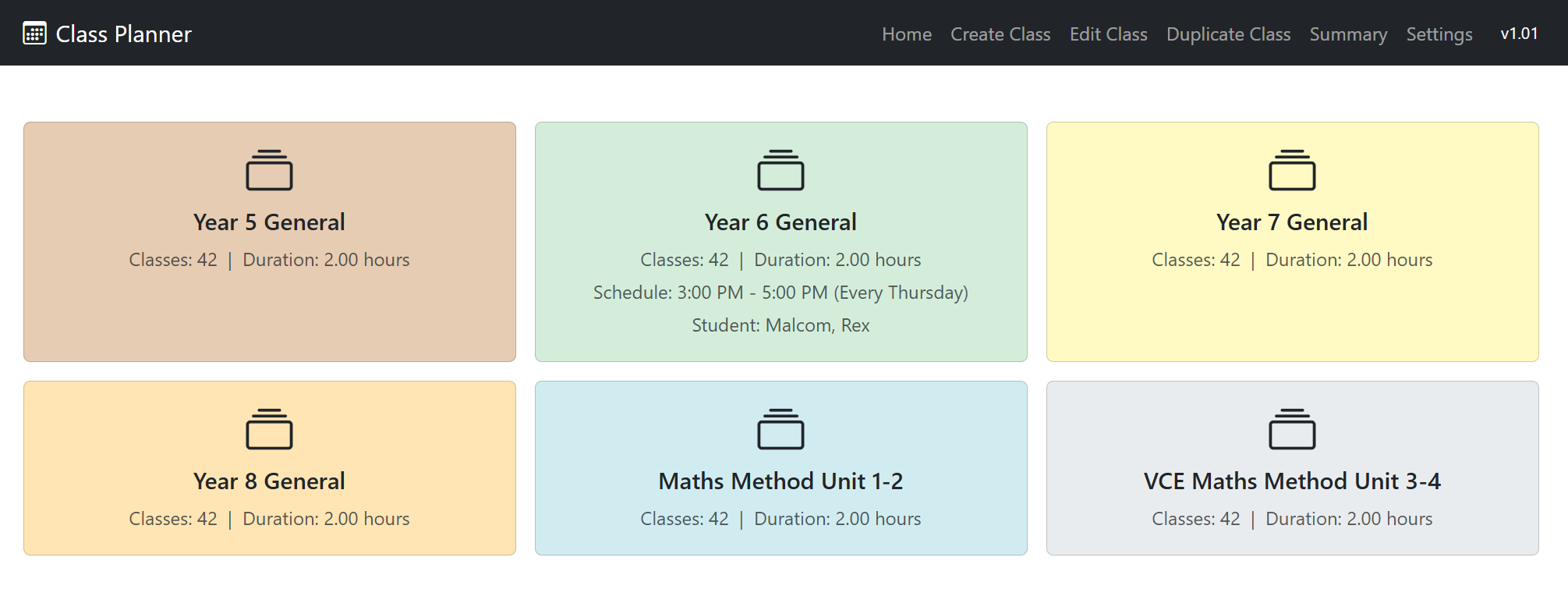
Class Planner
GO
Configure System 4
System Information
System Name
System URL
Database Credentials
Database Host
Optional: Specify database host IP/hostname (leave empty to auto-detect from system URL)
Database Name
Enter the database name for this system (optional - only required if Show Portfolio is enabled)
Database Username
Optional - only required if Show Portfolio is enabled
Database Password
Optional - only required if Show Portfolio is enabled
Display Options
Show Portfolio
Check this to display portfolio statistics and database information. If unchecked, only basic system information will be shown without database access.
Website Thumbnail
Upload an image file (JPG, PNG, GIF, WebP) - recommended size: 300x200px
Current thumbnail:
Delete
Preview:
Upload Thumbnail
Require Password for Access
Check this to require password for viewing statistics and accessing the system. If unchecked, statistics will be shown without password.
Access Passwords
Multiple passwords separated by commas. Users can enter any of these passwords to access the system. Leave empty if no password protection is needed.
Note
Add a custom note that will be displayed on the system card
Security
System Code
Enter the system code to save changes
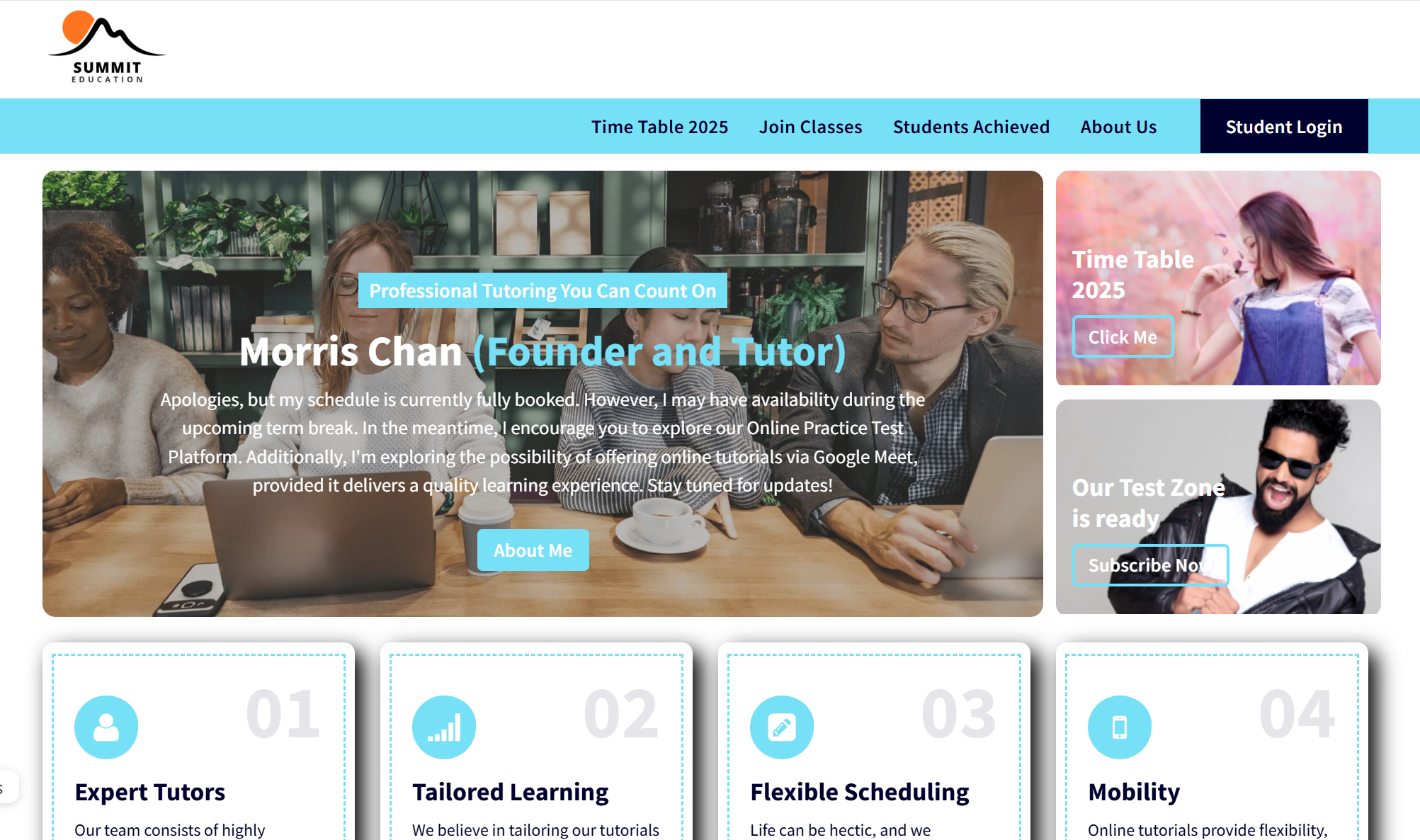
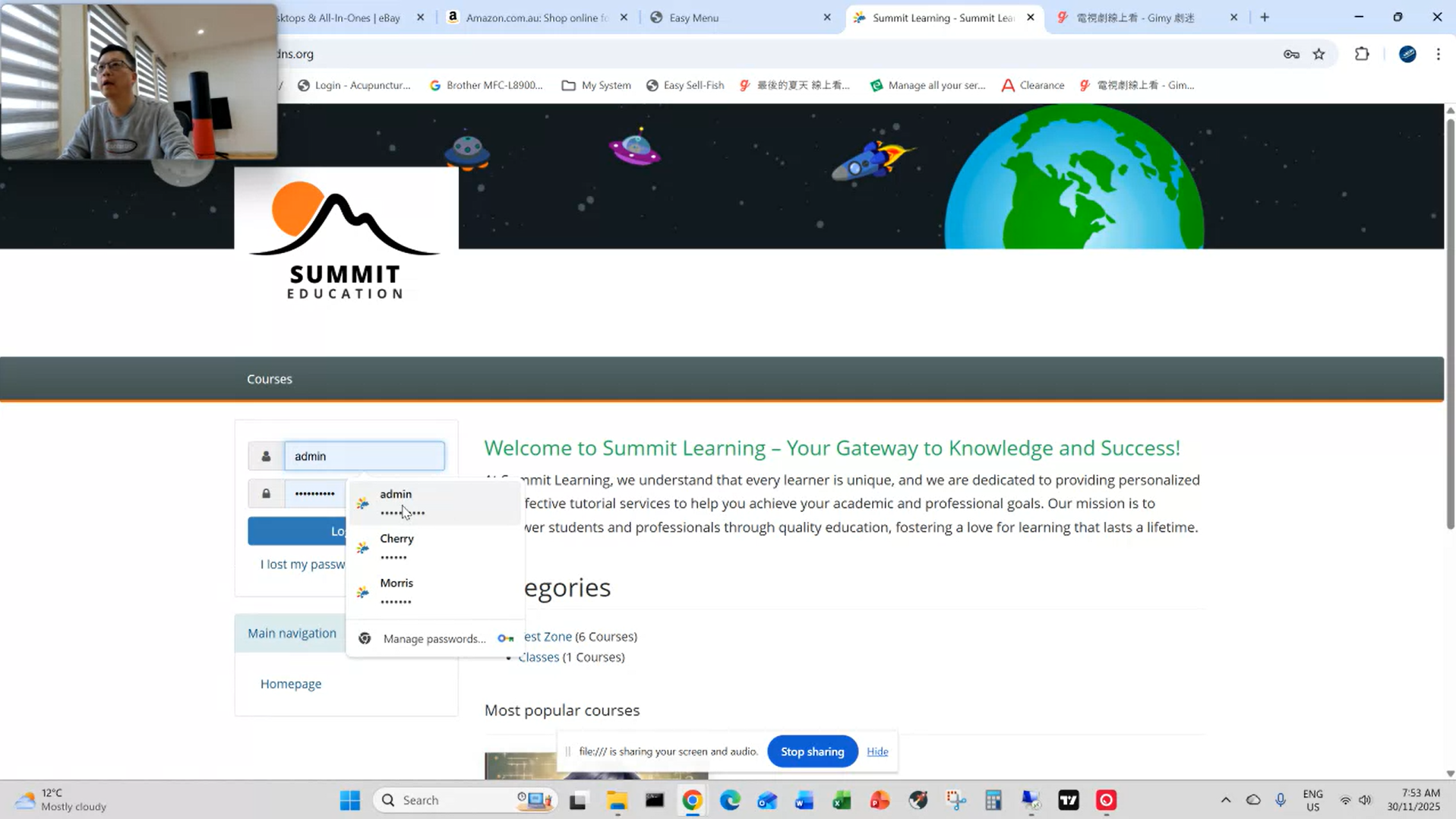
Summit Education Website
Note:
username=admin, password=learning123
GO
Configure System 5
System Information
System Name
System URL
Database Credentials
Database Host
Optional: Specify database host IP/hostname (leave empty to auto-detect from system URL)
Database Name
Enter the database name for this system (optional - only required if Show Portfolio is enabled)
Database Username
Optional - only required if Show Portfolio is enabled
Database Password
Optional - only required if Show Portfolio is enabled
Display Options
Show Portfolio
Check this to display portfolio statistics and database information. If unchecked, only basic system information will be shown without database access.
Website Thumbnail
Upload an image file (JPG, PNG, GIF, WebP) - recommended size: 300x200px
Current thumbnail:
Delete
Preview:
Upload Thumbnail
Require Password for Access
Check this to require password for viewing statistics and accessing the system. If unchecked, statistics will be shown without password.
Access Passwords
Multiple passwords separated by commas. Users can enter any of these passwords to access the system. Leave empty if no password protection is needed.
Current Access Passwords:
1.
******
(6 characters)
2.
******
(6 characters)
Note
username=admin, password=learning123
Add a custom note that will be displayed on the system card
Security
System Code
Enter the system code to save changes
Maths Test Center
Note:
username = admin, password = chamilo123
GO
Configure System 6
System Information
System Name
System URL
Database Credentials
Database Host
Optional: Specify database host IP/hostname (leave empty to auto-detect from system URL)
Database Name
Enter the database name for this system (optional - only required if Show Portfolio is enabled)
Database Username
Optional - only required if Show Portfolio is enabled
Database Password
Optional - only required if Show Portfolio is enabled
Display Options
Show Portfolio
Check this to display portfolio statistics and database information. If unchecked, only basic system information will be shown without database access.
Website Thumbnail
Upload an image file (JPG, PNG, GIF, WebP) - recommended size: 300x200px
Current thumbnail:
Delete
Preview:
Upload Thumbnail
Require Password for Access
Check this to require password for viewing statistics and accessing the system. If unchecked, statistics will be shown without password.
Access Passwords
Multiple passwords separated by commas. Users can enter any of these passwords to access the system. Leave empty if no password protection is needed.
Note
username = admin, password = chamilo123
Add a custom note that will be displayed on the system card
Security
System Code
Enter the system code to save changes
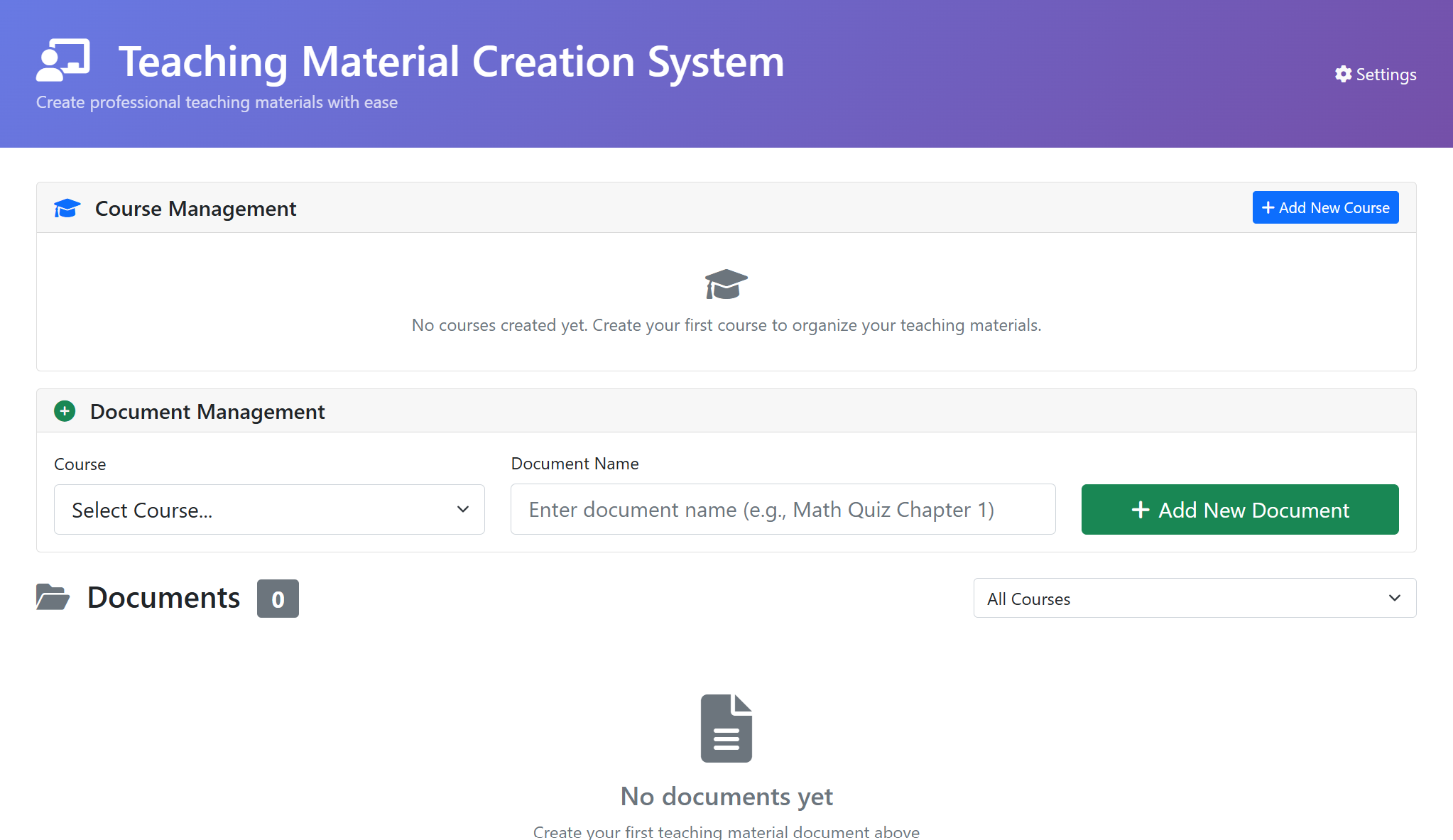
Teaching Materials Creation System
GO
Configure System 7
System Information
System Name
System URL
Database Credentials
Database Host
Optional: Specify database host IP/hostname (leave empty to auto-detect from system URL)
Database Name
Enter the database name for this system (optional - only required if Show Portfolio is enabled)
Database Username
Optional - only required if Show Portfolio is enabled
Database Password
Optional - only required if Show Portfolio is enabled
Display Options
Show Portfolio
Check this to display portfolio statistics and database information. If unchecked, only basic system information will be shown without database access.
Website Thumbnail
Upload an image file (JPG, PNG, GIF, WebP) - recommended size: 300x200px
Current thumbnail:
Delete
Preview:
Upload Thumbnail
Require Password for Access
Check this to require password for viewing statistics and accessing the system. If unchecked, statistics will be shown without password.
Access Passwords
Multiple passwords separated by commas. Users can enter any of these passwords to access the system. Leave empty if no password protection is needed.
Note
Add a custom note that will be displayed on the system card
Security
System Code
Enter the system code to save changes
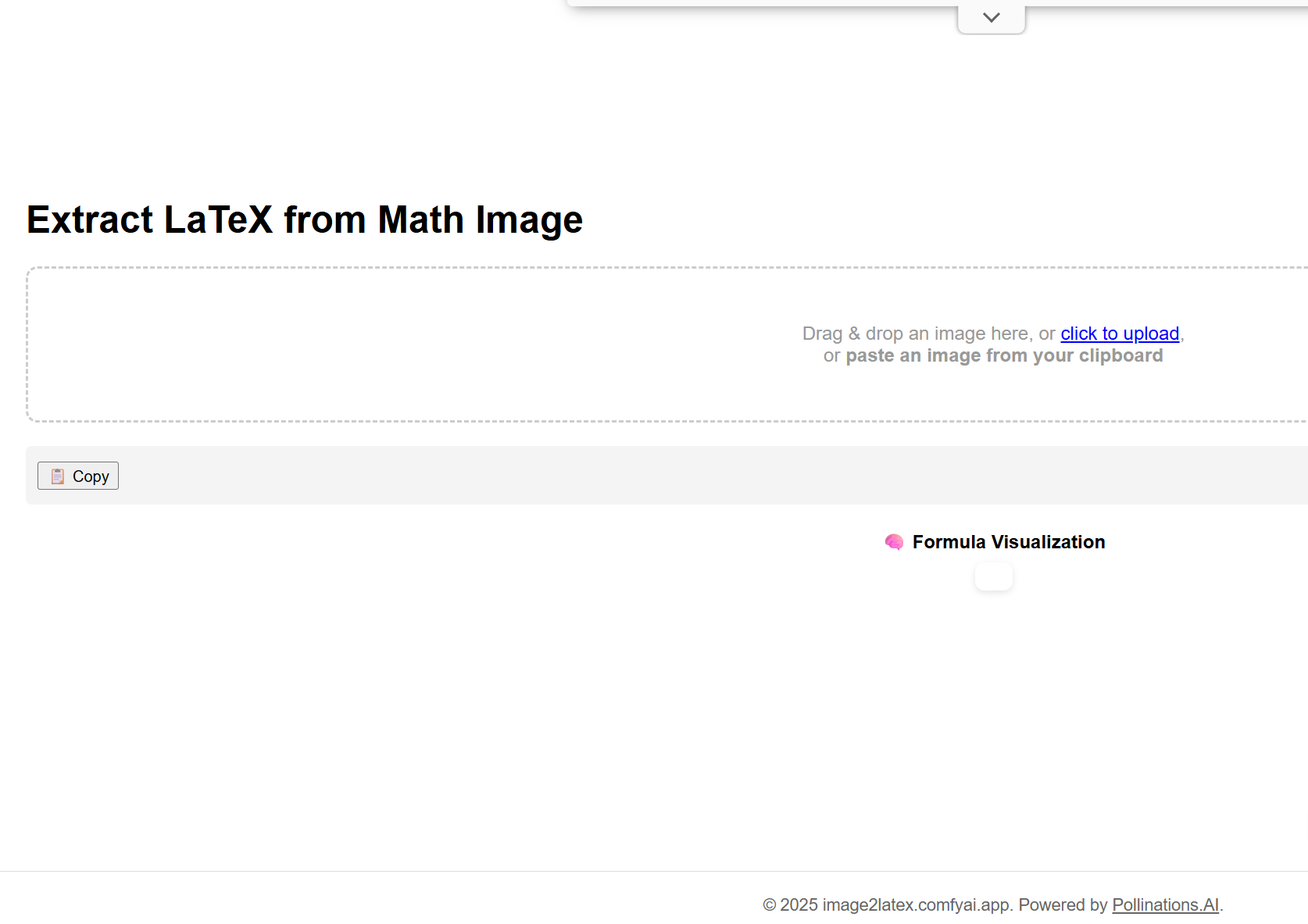
Extract LaTeX from Math Image
GO
Configure System 8
System Information
System Name
System URL
Database Credentials
Database Host
Optional: Specify database host IP/hostname (leave empty to auto-detect from system URL)
Database Name
Enter the database name for this system (optional - only required if Show Portfolio is enabled)
Database Username
Optional - only required if Show Portfolio is enabled
Database Password
Optional - only required if Show Portfolio is enabled
Display Options
Show Portfolio
Check this to display portfolio statistics and database information. If unchecked, only basic system information will be shown without database access.
Website Thumbnail
Upload an image file (JPG, PNG, GIF, WebP) - recommended size: 300x200px
Current thumbnail:
Delete
Preview:
Upload Thumbnail
Require Password for Access
Check this to require password for viewing statistics and accessing the system. If unchecked, statistics will be shown without password.
Access Passwords
Multiple passwords separated by commas. Users can enter any of these passwords to access the system. Leave empty if no password protection is needed.
Note
Add a custom note that will be displayed on the system card
Security
System Code
Enter the system code to save changes
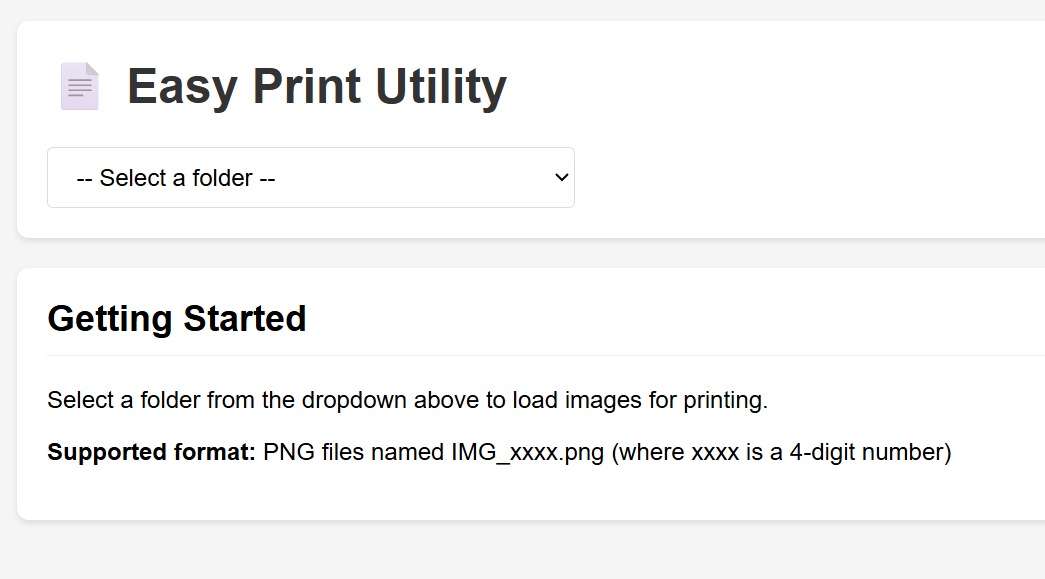
Easy Print
GO
Configure System 9
System Information
System Name
System URL
Database Credentials
Database Host
Optional: Specify database host IP/hostname (leave empty to auto-detect from system URL)
Database Name
Enter the database name for this system (optional - only required if Show Portfolio is enabled)
Database Username
Optional - only required if Show Portfolio is enabled
Database Password
Optional - only required if Show Portfolio is enabled
Display Options
Show Portfolio
Check this to display portfolio statistics and database information. If unchecked, only basic system information will be shown without database access.
Website Thumbnail
Upload an image file (JPG, PNG, GIF, WebP) - recommended size: 300x200px
Current thumbnail:
Delete
Preview:
Upload Thumbnail
Require Password for Access
Check this to require password for viewing statistics and accessing the system. If unchecked, statistics will be shown without password.
Access Passwords
Multiple passwords separated by commas. Users can enter any of these passwords to access the system. Leave empty if no password protection is needed.
Note
Add a custom note that will be displayed on the system card
Security
System Code
Enter the system code to save changes
Class Video
GO
Configure System 10
System Information
System Name
System URL
Database Credentials
Database Host
Optional: Specify database host IP/hostname (leave empty to auto-detect from system URL)
Database Name
Enter the database name for this system (optional - only required if Show Portfolio is enabled)
Database Username
Optional - only required if Show Portfolio is enabled
Database Password
Optional - only required if Show Portfolio is enabled
Display Options
Show Portfolio
Check this to display portfolio statistics and database information. If unchecked, only basic system information will be shown without database access.
Website Thumbnail
Upload an image file (JPG, PNG, GIF, WebP) - recommended size: 300x200px
Current thumbnail:
Delete
Preview:
Upload Thumbnail
Require Password for Access
Check this to require password for viewing statistics and accessing the system. If unchecked, statistics will be shown without password.
Access Passwords
Multiple passwords separated by commas. Users can enter any of these passwords to access the system. Leave empty if no password protection is needed.
Note
Add a custom note that will be displayed on the system card
Security
System Code
Enter the system code to save changes
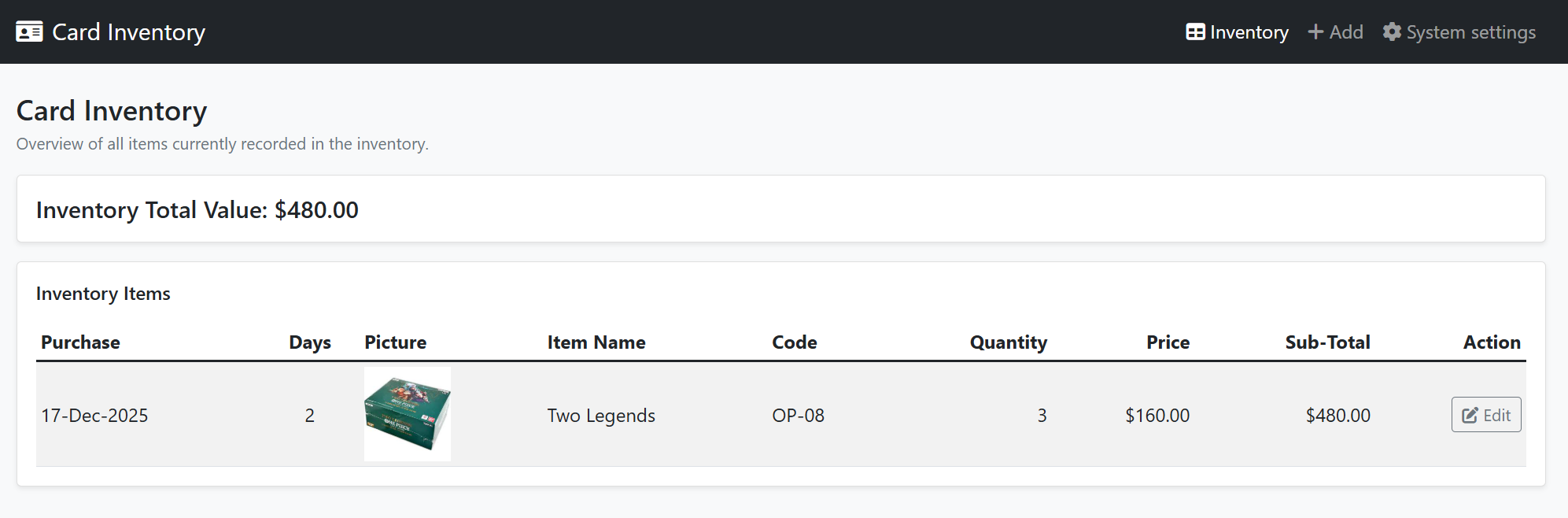
Card Inventory
GO
Configure System 11
System Information
System Name
System URL
Database Credentials
Database Host
Optional: Specify database host IP/hostname (leave empty to auto-detect from system URL)
Database Name
Enter the database name for this system (optional - only required if Show Portfolio is enabled)
Database Username
Optional - only required if Show Portfolio is enabled
Database Password
Optional - only required if Show Portfolio is enabled
Display Options
Show Portfolio
Check this to display portfolio statistics and database information. If unchecked, only basic system information will be shown without database access.
Website Thumbnail
Upload an image file (JPG, PNG, GIF, WebP) - recommended size: 300x200px
Current thumbnail:
Delete
Preview:
Upload Thumbnail
Require Password for Access
Check this to require password for viewing statistics and accessing the system. If unchecked, statistics will be shown without password.
Access Passwords
Multiple passwords separated by commas. Users can enter any of these passwords to access the system. Leave empty if no password protection is needed.
Note
Add a custom note that will be displayed on the system card
Security
System Code
Enter the system code to save changes
No Header pdf printing
GO
Configure System 12
System Information
System Name
System URL
Database Credentials
Database Host
Optional: Specify database host IP/hostname (leave empty to auto-detect from system URL)
Database Name
Enter the database name for this system (optional - only required if Show Portfolio is enabled)
Database Username
Optional - only required if Show Portfolio is enabled
Database Password
Optional - only required if Show Portfolio is enabled
Display Options
Show Portfolio
Check this to display portfolio statistics and database information. If unchecked, only basic system information will be shown without database access.
Website Thumbnail
Upload an image file (JPG, PNG, GIF, WebP) - recommended size: 300x200px
Preview:
Upload Thumbnail
Require Password for Access
Check this to require password for viewing statistics and accessing the system. If unchecked, statistics will be shown without password.
Access Passwords
Multiple passwords separated by commas. Users can enter any of these passwords to access the system. Leave empty if no password protection is needed.
Note
Add a custom note that will be displayed on the system card
Security
System Code
Enter the system code to save changes
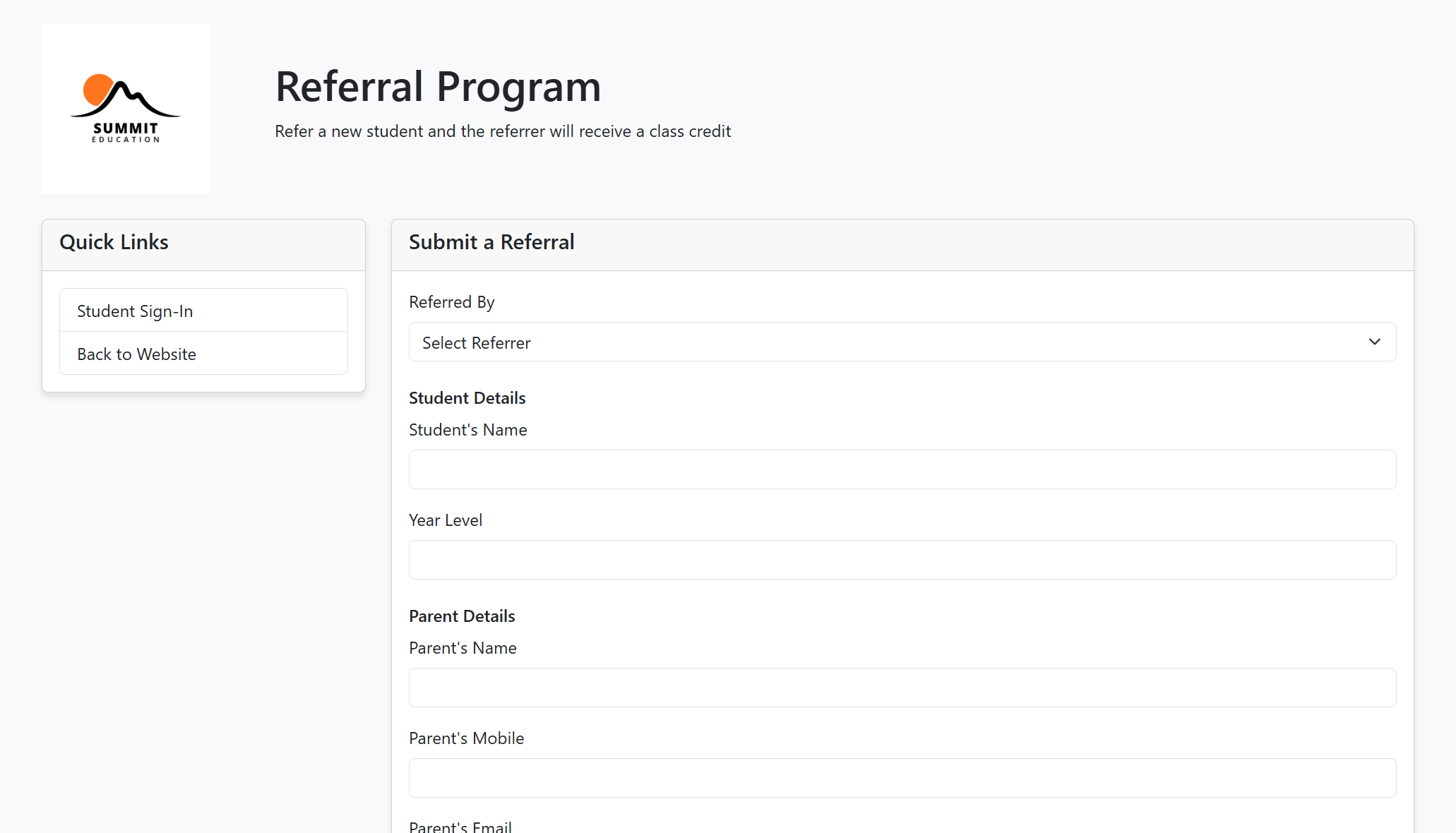
Referral Program
GO
Configure System 13
System Information
System Name
System URL
Database Credentials
Database Host
Optional: Specify database host IP/hostname (leave empty to auto-detect from system URL)
Database Name
Enter the database name for this system (optional - only required if Show Portfolio is enabled)
Database Username
Optional - only required if Show Portfolio is enabled
Database Password
Optional - only required if Show Portfolio is enabled
Display Options
Show Portfolio
Check this to display portfolio statistics and database information. If unchecked, only basic system information will be shown without database access.
Website Thumbnail
Upload an image file (JPG, PNG, GIF, WebP) - recommended size: 300x200px
Current thumbnail:
Delete
Preview:
Upload Thumbnail
Require Password for Access
Check this to require password for viewing statistics and accessing the system. If unchecked, statistics will be shown without password.
Access Passwords
Multiple passwords separated by commas. Users can enter any of these passwords to access the system. Leave empty if no password protection is needed.
Note
Add a custom note that will be displayed on the system card
Security
System Code
Enter the system code to save changes
Add New System
System Settings
Enter System Code
Enter the system code to access settings.
Add New System
System Information
System Name
System URL
Database Credentials
Database Host
Optional: Specify database host IP/hostname (leave empty to auto-detect from system URL)
Database Name
Enter the database name for this system (optional - only required if Show Portfolio is enabled)
Database Username
Optional - only required if Show Portfolio is enabled
Database Password
Optional - only required if Show Portfolio is enabled
Display Options
Show Portfolio
Check this to display portfolio statistics and database information. If unchecked, only basic system information will be shown without database access.
Website Thumbnail
Upload an image file (JPG, PNG, GIF, WebP) - recommended size: 300x200px
Preview:
Require Password for Access
Check this to require password for viewing statistics and accessing the system. If unchecked, statistics will be shown without password.
Access Passwords
Multiple passwords separated by commas. Users can enter any of these passwords to access the system. Leave empty if no password protection is needed.
Note
Add a custom note that will be displayed on the system card
Security
System Code
Enter the system code to add a new system
Enter System Code
System Code
Invalid system code.